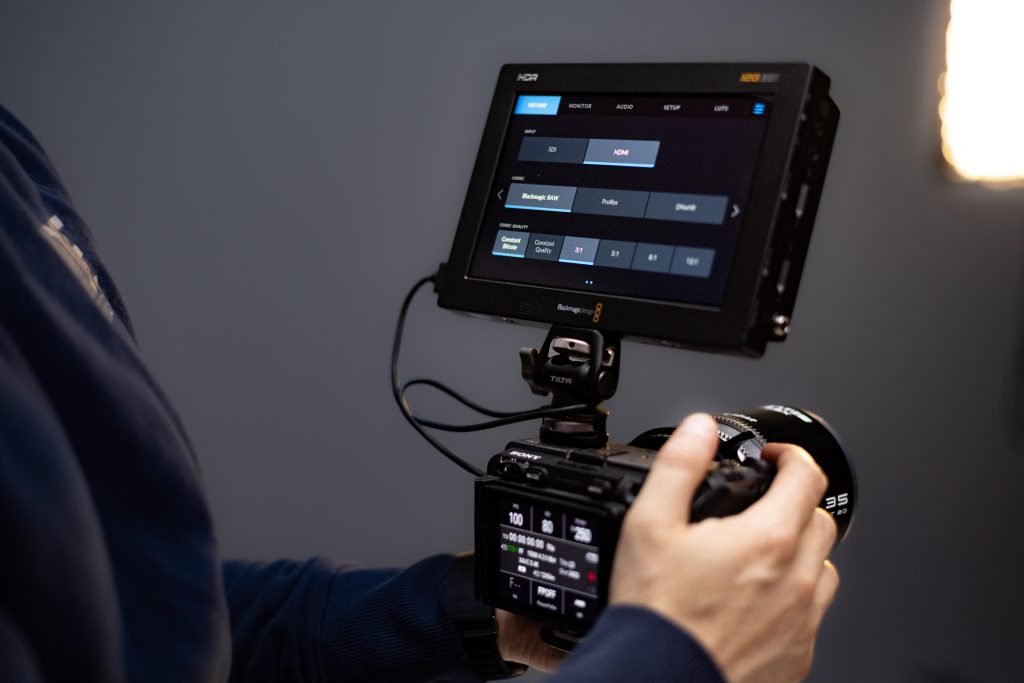
Sony has just rolled out a seriously meaningful free firmware upgrade for the FX3, FX3A, and FX30 and it’s packed with features that’ll make your shooting workflow feel smoother and more intuitive.
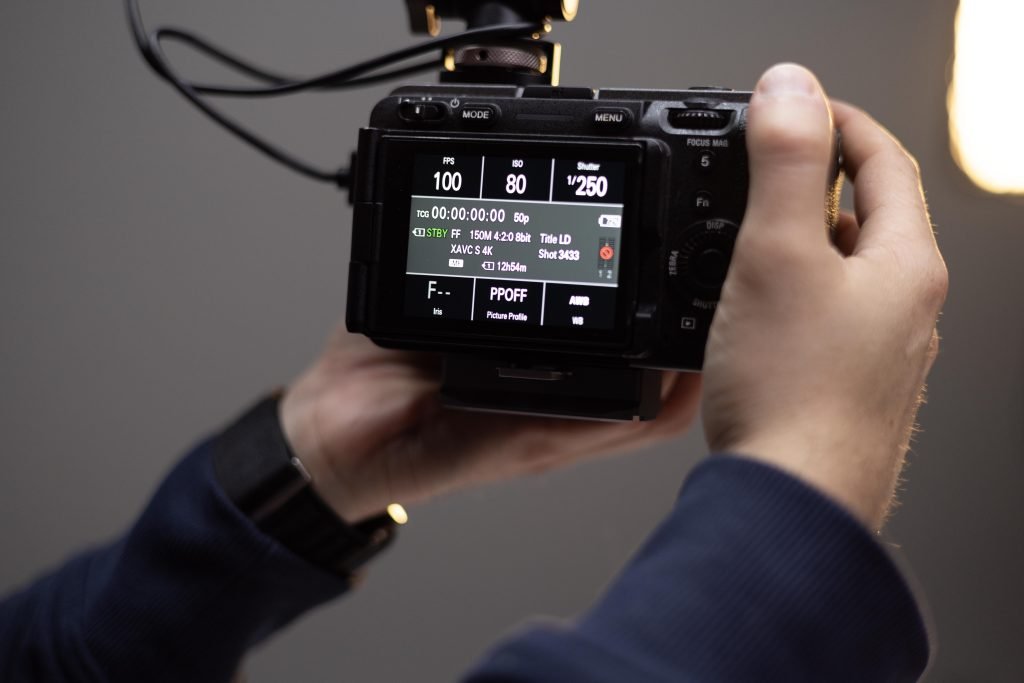
What’s New?
- BIG6 Home Screen – Think of it like your camera’s command center. You can quickly peek at six vital settings frame rate, ISO, shutter, aperture/ND filter, look, and white balance right when you boot up the camera in Movie mode. A dream for those spontaneous setups.
- 1.5× and 1.6× De‑Squeeze Options – No more squinting at half‑squeezed footage. These new magnification modes make it easier to check composition when shooting anamorphic.
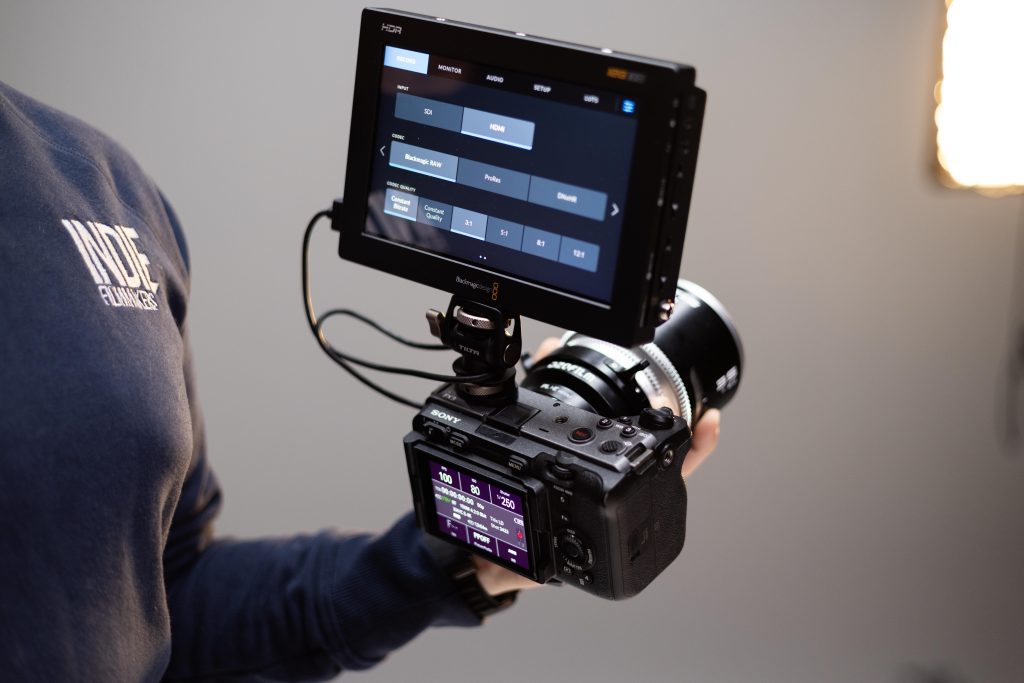
- RAW Output via HDMI – Finally, you can shoot Blackmagic RAW externally when using an HDMI recorder (like the Blackmagic Video Assist) massively boosting flexibility in post.
- Fixed/Variable S&Q Mode – Now you can dial in your slow‑&‑quick (S&Q) frame rates directly without needing to toggle into a separate shooting mode. It’s smoother, more immediate control over frame‑rate play.
- Focus Magnifier Support in Bright Monitor Mode – Focus‑pullers rejoice: you can use the magnifier tools even in bright monitoring settings. Sharper, more precise focus control on‑the‑fly.
- USB‑LAN Hotplug & Network Auto‑Connect – Pop in a compatible adapter, power on, and your camera connects to the network automatically. Makes setup handheld or in tight trolleys that much easier.
- Battery & Media Info in‑View – When using Relay Recording or dual media slots, your remaining storage shows up onscreen super handy for long takes.
- ND Metadata & Clip‑Flag Filtering – Your pre‑registered ND filter settings can now be embedded in your metadata and you can flag footage (OK/NG/KEEP) for streamlined FTP transfers or smartphone previews.
- Creators’ Cloud & Monitor & Control App Integration – Upload flagged footage directly to Sony’s Creators’ Cloud (requires App v 3.1+) and use manual framing or clip‑flag tools via the app.
- Security & Wi‑Fi Updates – Sony has dropped support for old encryption protocols (IPsec, WPA, and WEP). It’s now all WPA2/WPA3 and Access Authen.—a step toward tighter, more reliable security.
- Overall Stability Boost – The update brings improved firmware stability because nobody wants mid-shoot crashes.
Important: Pre-Update Steps
- FX3 must be updated from version 2.02 or older to version 2.04/2.05 first, then to the new 7.00. Skipping that step risks a dreaded firmware error.
- FX30 needs to go from 1.02 or older to 1.05 before jumping to firmware 6.00. Again don’t skip the intermediate step.
How to get it: Download via Sony’s support site or update through the Creators’ App (iOS/Android)
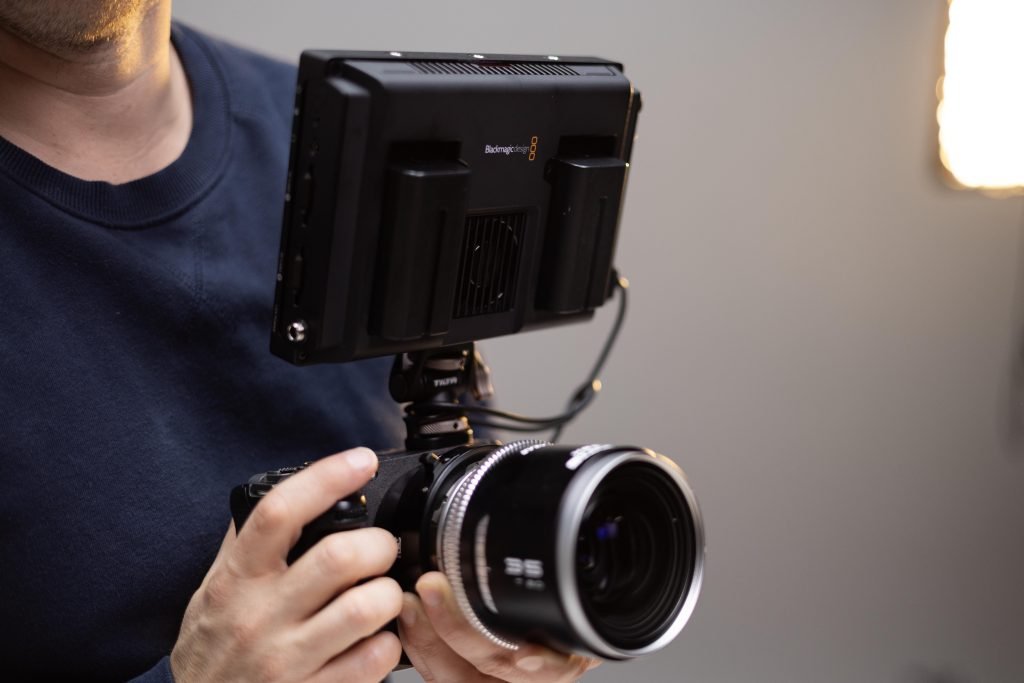
Why It Matters
This update isn’t just a list of small fixes it actually makes shooting easier and more flexible in day-to-day use:
- The new BIG6 screen puts your key settings right up front, so you don’t waste time digging through menus.
- If you’re shooting anamorphic, the new De-Squeeze options make monitoring way less of a headache.
- RAW over HDMI opens up more flexibility in post when paired with external recorders.
- Improved network and app tools help with remote monitoring or multi-cam setups, perfect when space is tight.
- And overall, stability and control get a boost super handy when you’re on long takes or fighting the clock.
This firmware update feels more like a full-on workflow upgrade. If you’ve got an FX3, FX3A, or FX30, it’s definitely worth installing.
Download the latest Sony FX3 Firmware (official site)